
How big is a 15.6-inch laptop in cm?
A 15.6-inch screen measures 39.6 cm corner to corner. But on a laptop, the screen and the body are two different sizes:
- Screen
- 34.5 × 19.4 cm
- Body
- 35–36 × 23–26 cm
- The body is bigger
- 0.9–1.8 cm wider and 3.8–6.4 cm deeper, front to back
The inches in a laptop's name describe the screen, not the body.
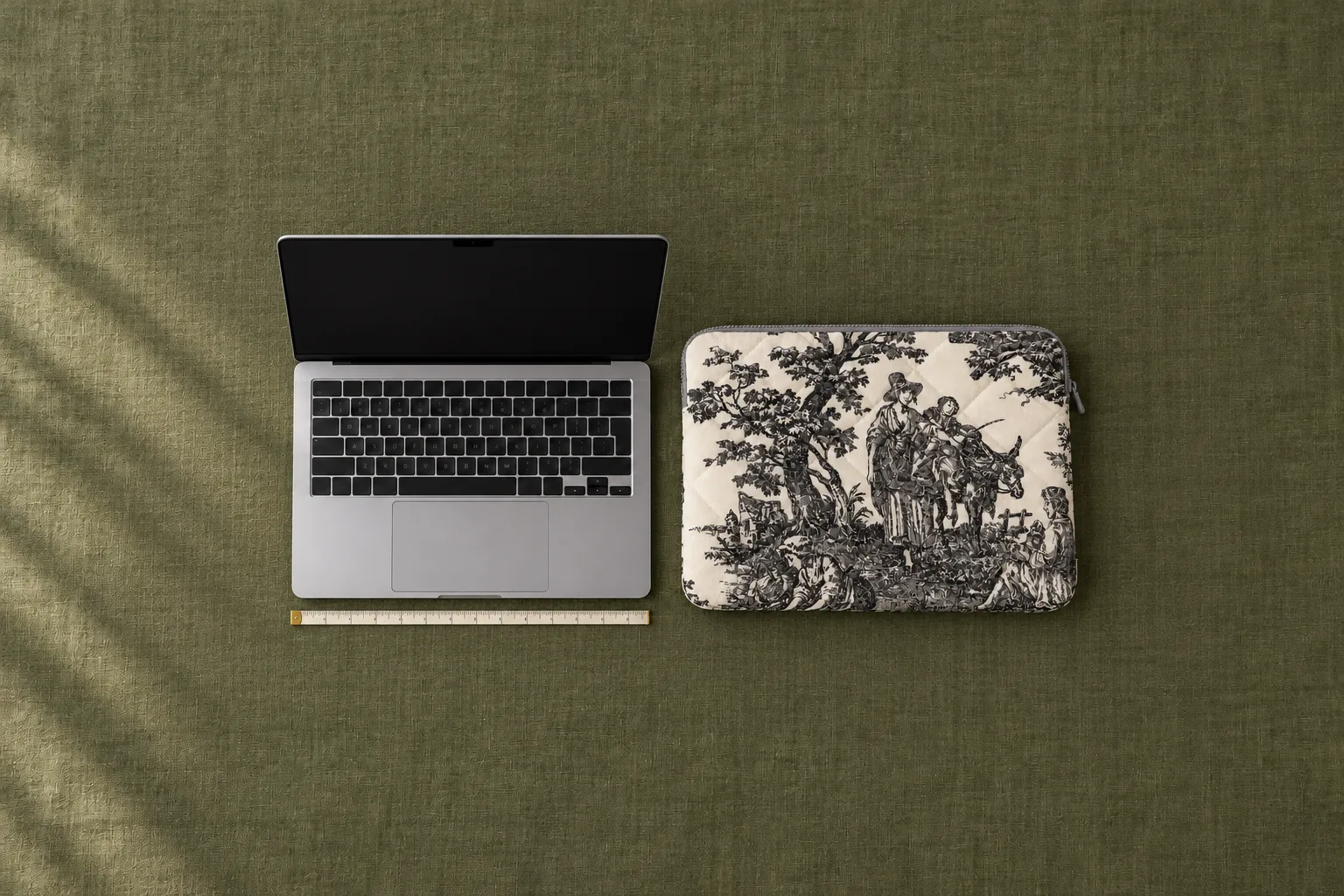
Why the body is bigger than the screen
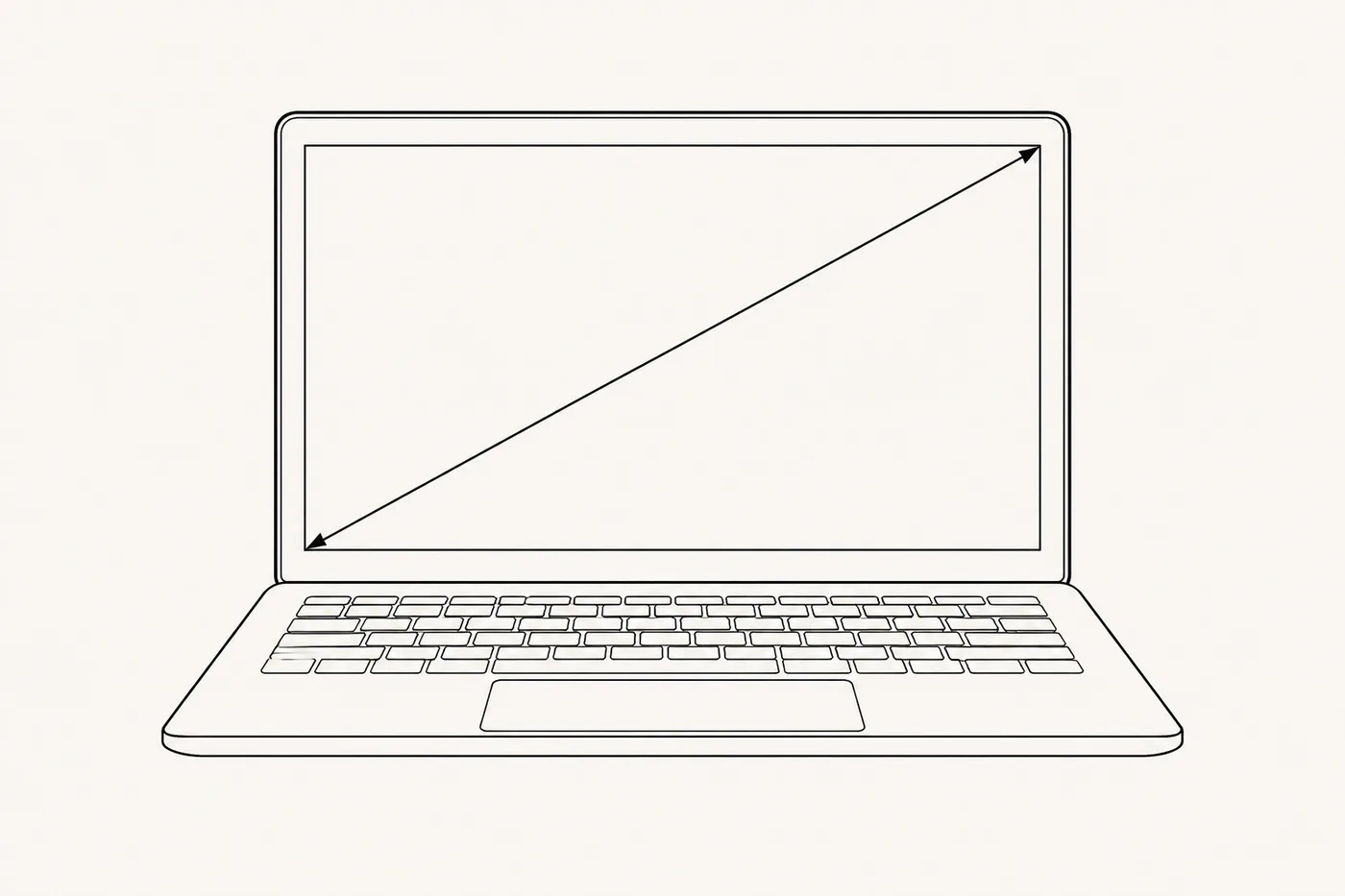
The diagonal is measured across the lit part of the screen, corner to corner. The bezel around the screen isn't counted, so the body is wider. Neither are the keyboard and trackpad, so it's deeper too.
Even among 15.6-inch laptops, body width varies by a whole centimetre.
Pick your model — we'll look up the dimensions
MacBook, ThinkPad, Vivobook, XPS, MateBook and more
Not sure which model you have? Measure the body in three places — it takes five minutes.
Laptop dimensions in cm: 13, 14, 15.6 and 16 inches
The first table gives the screen, worked out from the diagonal. 16:9 and 16:10 are screen shapes, width to height. At the same diagonal, a 16:10 screen is narrower and taller. The second table gives the range of body sizes from manufacturers' specs.
| Diagonal | 16:9 | 16:10 |
|---|---|---|
| 13.3″ | 29.4 × 16.6 | 28.6 × 17.9 |
| 14″ | 31.0 × 17.4 | 30.2 × 18.8 |
| 15.6″ ("15-inch") | 34.5 × 19.4 | 33.6 × 21.0 |
| 16″ | 35.4 × 19.9 | 34.5 × 21.5 |
Shops sell 15.0, 15.3 and 15.6-inch laptops under one "15-inch" label.
| Diagonal | Body |
|---|---|
| 13–13.8″ | 29.5–30.4 × 19.9–22.0 |
| 14″ | 31.2–31.6 × 21.5–22.8 |
| 15.6″ | 35.4–36.3 × 23.3–25.9 |
| 16″ | 35.4–36.0 × 24.9–26.4 |
Newer 16-inch models have thin bezels and a 16:10 screen. So a 16″ body is often 35.4–36.0 cm wide, the same as a 15.6″ one.
MacBook Air 13 and 15, MacBook Pro 14 and 16 dimensions
Since 2020 MacBooks have come in just seven sizes: each new chip goes into a body that already exists.
| Model | Chips | Body |
|---|---|---|
| MacBook Air 13 | M2, M3, M4, M5 | 30.41 × 21.5 × 1.13 |
| MacBook Air 13 (M1) | 2020 | 30.41 × 21.24 × 1.61 |
| MacBook Air 15 | M2, M3, M4, M5 | 34.04 × 23.76 × 1.15 |
| MacBook Pro 13 | M1, M2 | 30.41 × 21.24 × 1.56 |
| MacBook Pro 14 | all since 2021 | 31.26 × 22.12 × 1.55 |
| MacBook Pro 16 | all since 2021 | 35.57 × 24.81 × 1.68 |
| MacBook Neo | A18 Pro | 29.75 × 20.64 × 1.27 |
How to measure laptop size: width, depth and thickness
How to measure the screen size
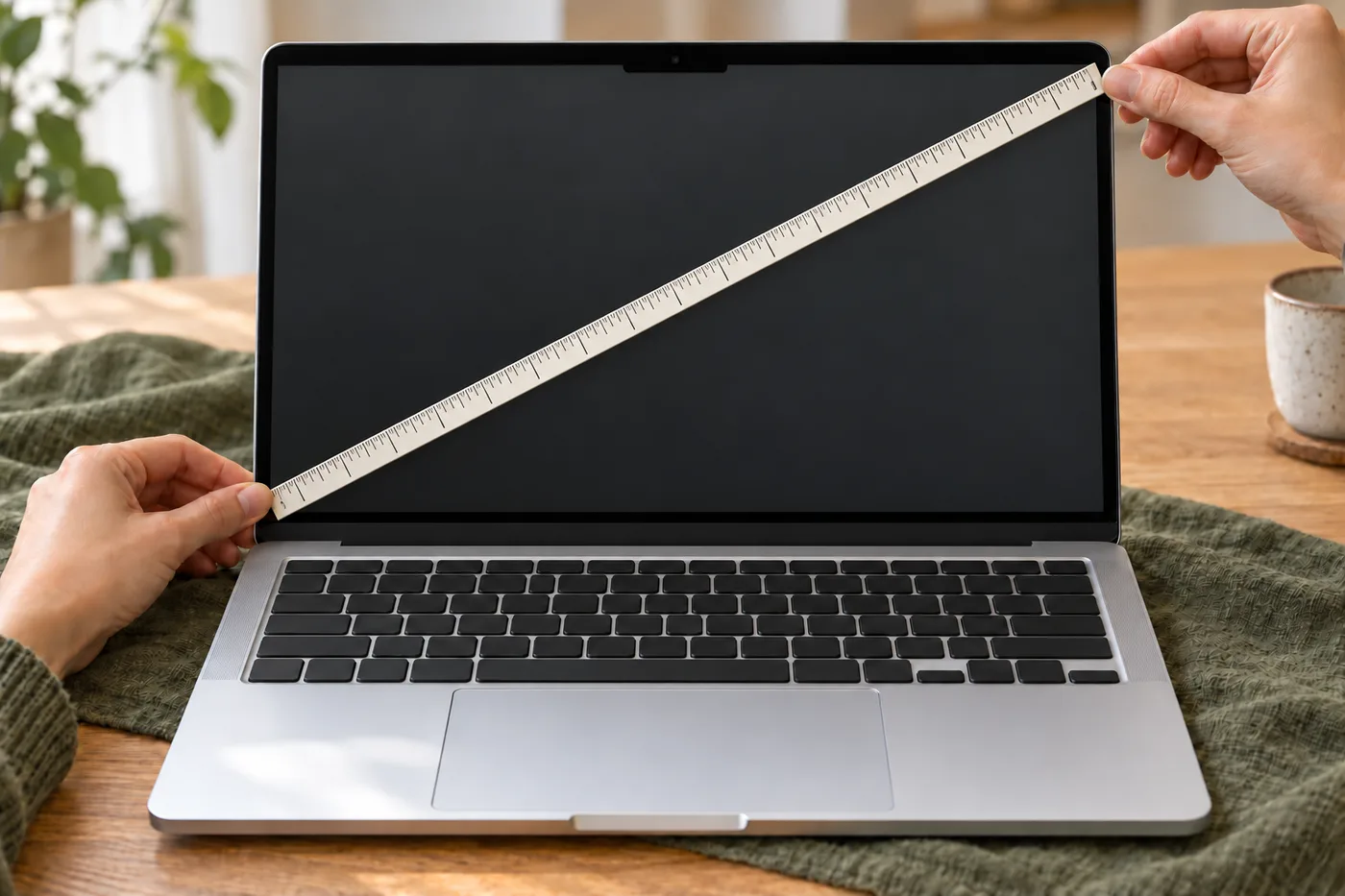
- Run the tape from the bottom-left to the top-right corner of the screen, inside the bezel.
- To get inches, divide centimetres by 2.54: 39.6 cm is 15.6 inches.
Three measurements of the body
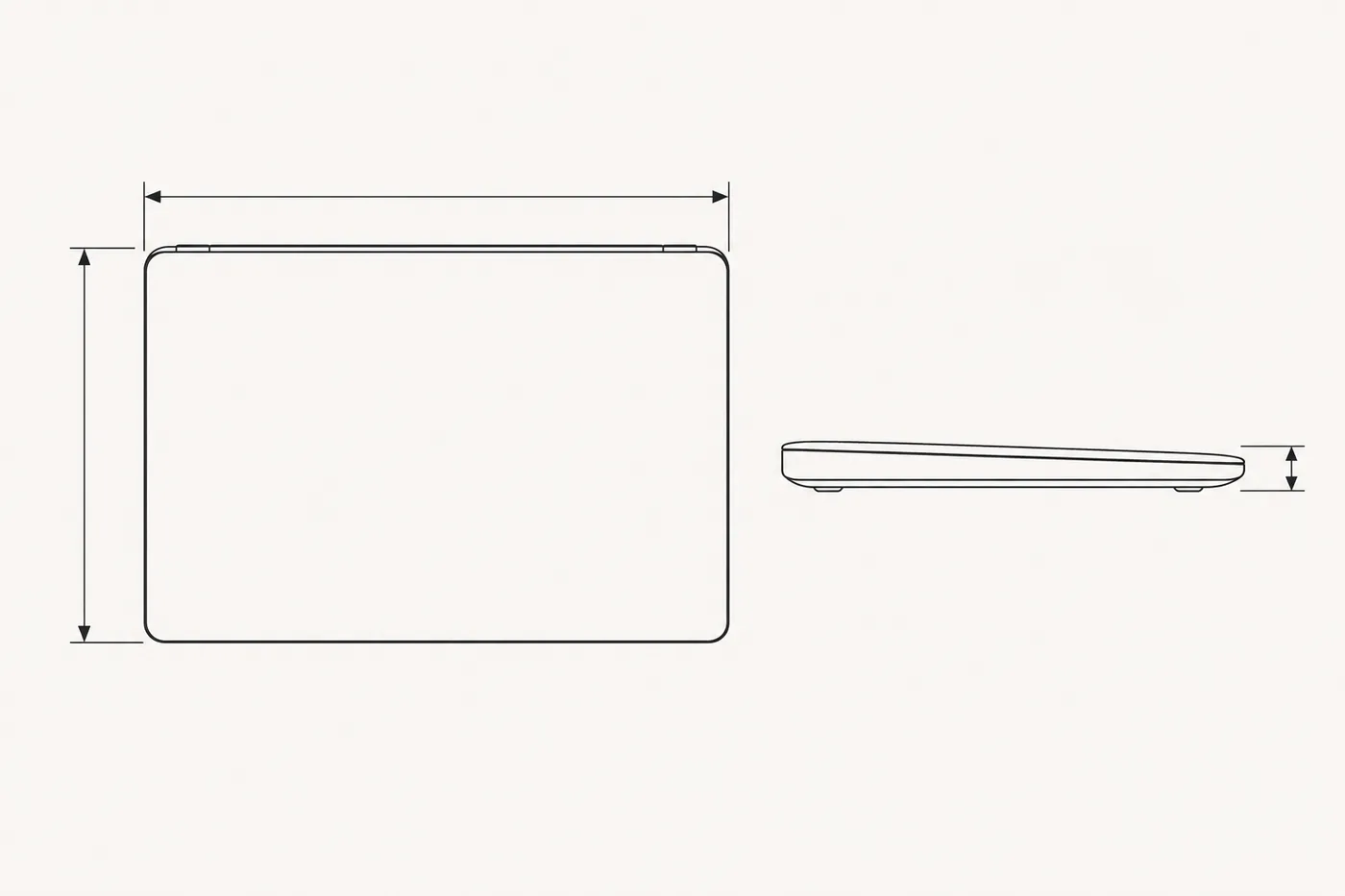
- Width — with the laptop closed, from the left edge to the right.
- Depth — from the hinge to the front edge.
- Thickness — at the thickest point of the body.
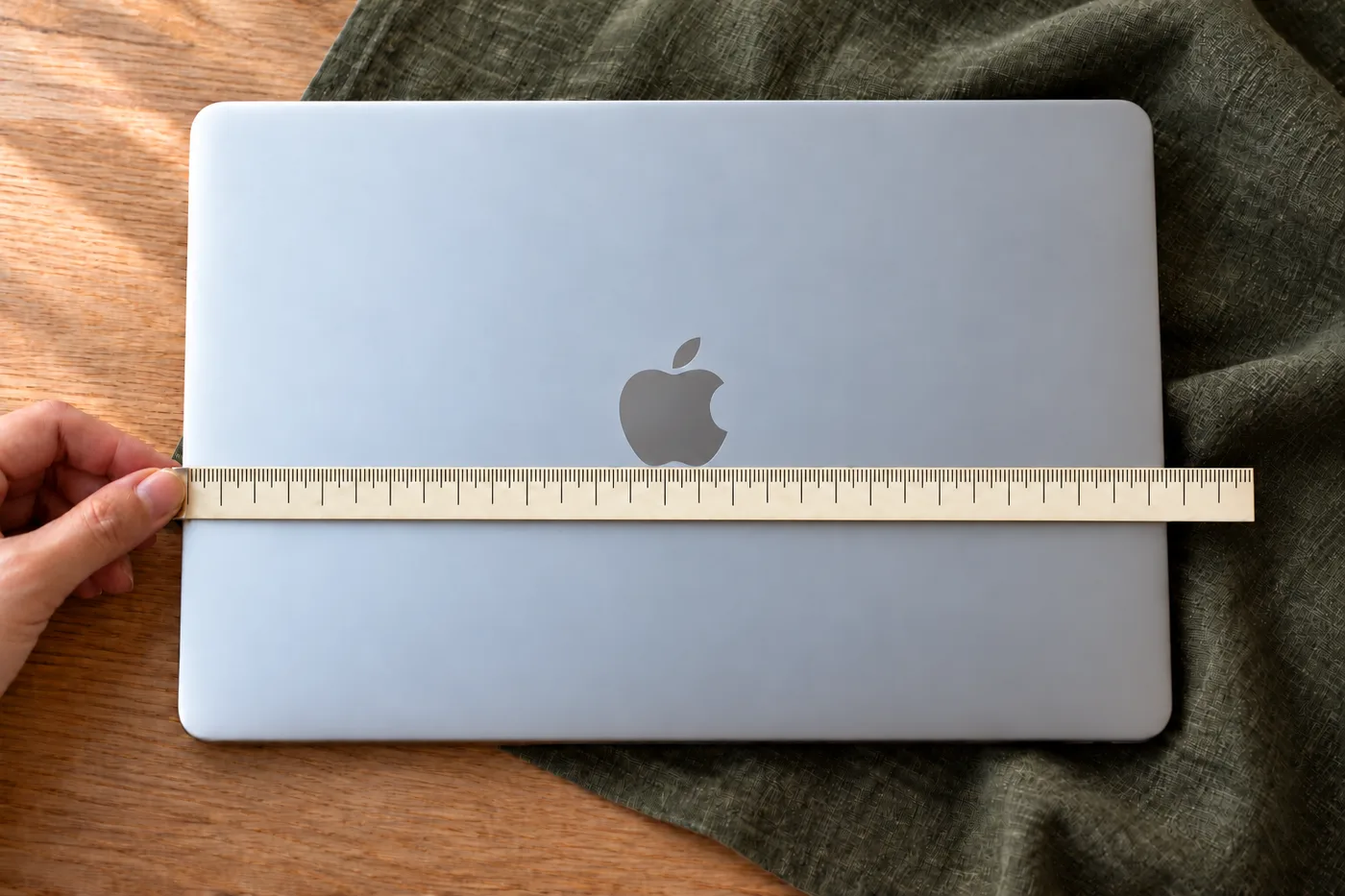
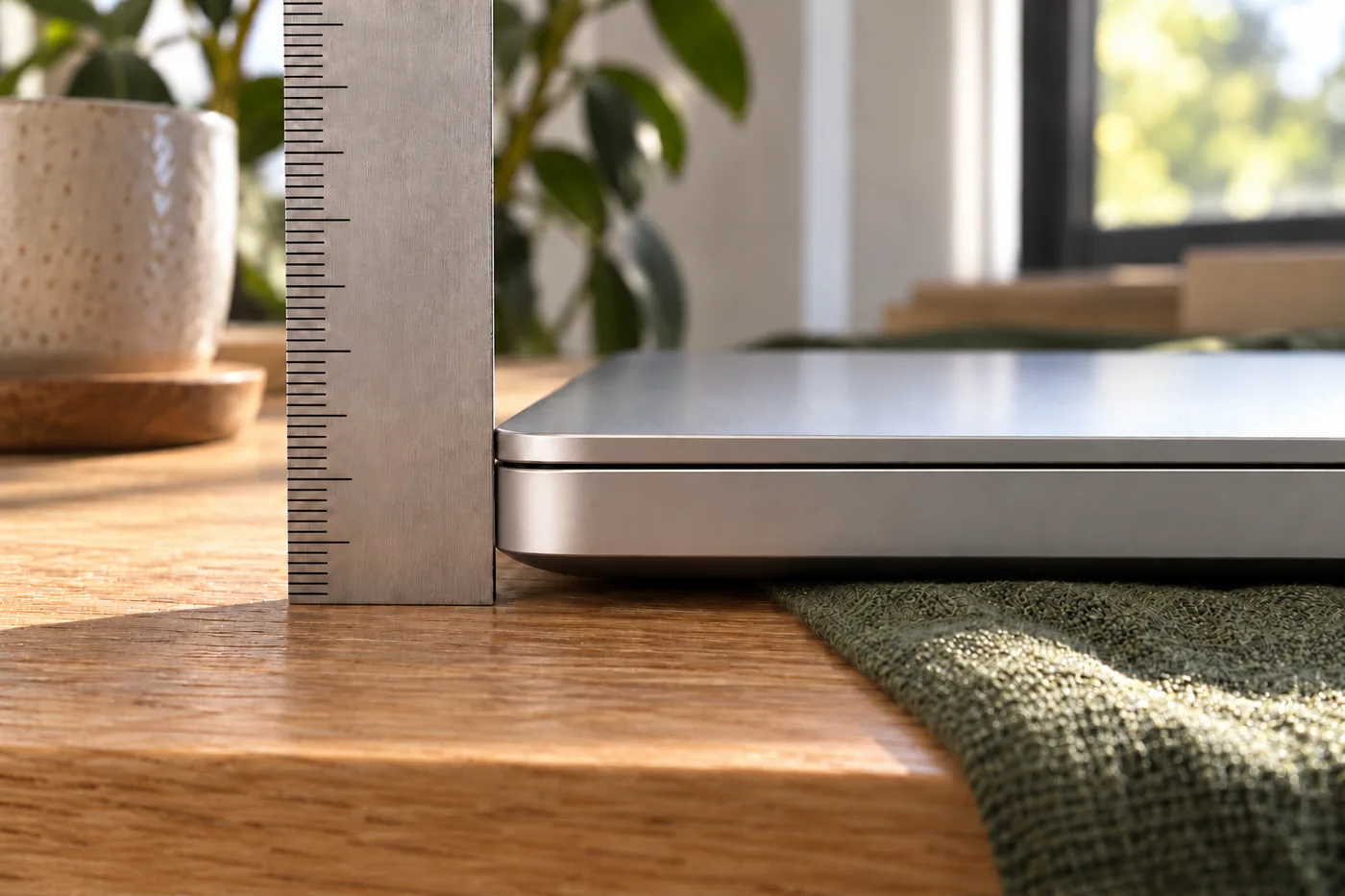
A case made to fit your laptop
The fluffme.design team sews a sleeve-style case to your laptop's dimensions, with up to 0.5 cm of extra room on each side. Pick your model above, or enter the body's width, depth and thickness if it isn't listed. Before cutting, we check the model's dimensions against the manufacturer's specs.
Laptop size FAQ
Will a "15-inch" case fit a 15.6-inch laptop?
Not always: the three sizes sold as "15-inch" have different bodies. Check your model's body size in the tables above.
Will a charger and a mouse fit in the case?
Yes, they fit. On request we'll add an inner zip pocket.